Progressive web apps for news sites: a practical guide for publishers
What a progressive web app can do for a news site: offline reading, push alerts, install, iPhone limits, SEO, cost and seven steps to build one.
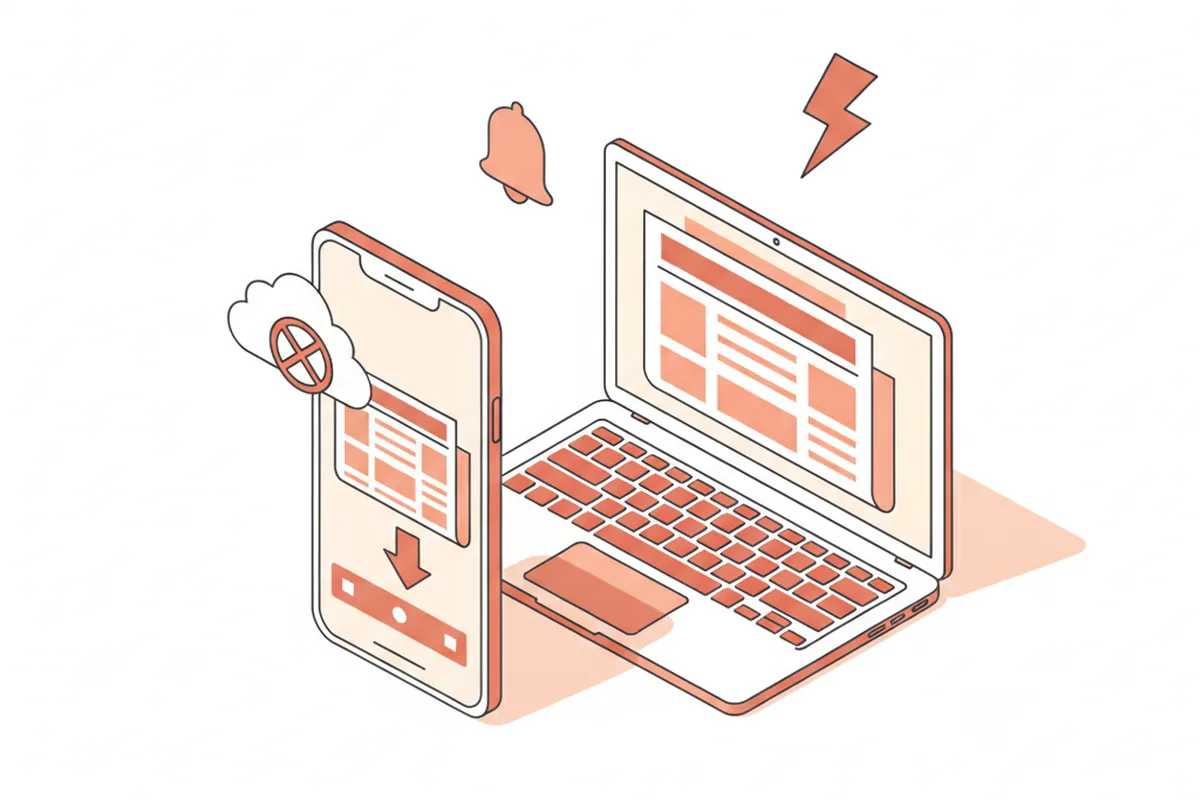
Short answer: a progressive web app (PWA) is your news website with three additions that make it behave like an app. A web app manifest lets readers install it on the home screen, a service worker keeps pages available offline and loads them fast on bad connections, and web push sends breaking-news alerts without an app store. For most small and mid-sized publishers a PWA delivers the habits that matter (one tap to open, offline reading, alerts) at a fraction of the cost of two native apps, while every story stays indexable in search. The catch is the iPhone: installation is manual, and push works only after a reader adds the site to the home screen.
Whether a PWA is worth it depends on how many of your readers come back daily, how much of your traffic is mobile and whether you already maintain a modern site. Many newsrooms build one in-house on top of their CMS; others hand the job to a progressive web app development company because service workers, caching rules and paywall logic touch the whole site at once. The decisions in this guide are the same either way.
Below we explain what a news PWA can and cannot do, where Apple's limits bite, what it does to search traffic, how it compares on cost with native apps and how to ship one in seven steps. If you are still deciding whether you need an app at all, start with our piece on whether an independent newsletter needs its own app; if alerts are your main goal, read our guide to push notifications for news publishers first.
What is a progressive web app, and why do news sites care?
A progressive web app is a website built with a set of browser features that let it install, work offline and send notifications. MDN describes a PWA as an app built with web platform technologies that runs on multiple platforms from a single codebase. Nothing about it is a separate product: the same URLs, the same CMS and the same stories serve both browser visitors and readers who installed it.
Three pieces do the work:
- The web app manifest. A small JSON file that gives the site a name, icons, a theme color and a start URL, so the browser can offer to install it and launch it in its own window without the address bar.
- The service worker. A script that sits between the page and the network. It decides what to cache, what to fetch fresh and what to show when there is no connection at all.
- Web push. A standard way to send notifications from your server to readers who opted in, through the browser's own push service rather than an app store SDK.
News sites care for a simple reason: the business runs on habit. A reader who opens your site from a home screen icon every morning is worth far more than one who arrives from a search result once a month. A PWA is the cheapest way to earn that icon.
What can a news PWA do that a mobile website cannot?
A PWA adds installation, offline reading and push to everything a responsive site already does. A native app adds deeper device access and an app store listing on top, at a much higher price. This comparison shows where each one stands for a newsroom.
| Capability | Mobile website | PWA | Native app |
|---|---|---|---|
| Found in Google search | Yes | Yes, same URLs | Only the store listing |
| Home screen icon | Bookmark only | Yes (manual on iPhone) | Yes |
| Offline reading | No | Yes, cached stories | Yes |
| Breaking-news push | No | Yes (iPhone only after install) | Yes |
| App store review and fees | None | None | Review for every release; commission on in-app subscriptions |
| Codebases to maintain | One | One | Usually two plus the website |
| Updates reach readers | Instantly | Instantly | After store review and user update |
| Widgets, Live Activities, deep OS features | No | Limited | Yes |
Offline reading
Offline support is the feature readers notice first. A service worker can save the front page and the last stories a reader opened, then show them on a subway or a plane. A good news PWA also shows a clear offline page that lists what is saved, instead of the browser's error screen.
Speed on repeat visits
Because the site shell (header, fonts, styles, scripts) is cached on the device, repeat visits only download the new story text and images. On a slow mobile network that difference is the one readers feel most: the page frame appears at once and only the story has to arrive.
Where do PWAs fall short on the iPhone?
Apple supports PWAs, but with more friction than Android and desktop Chrome. Plan for these limits before you promise anything to your editors.
- No install prompt. Safari does not show an automatic install banner. Readers have to tap Share and then Add to Home Screen, so you need a short on-page explainer for iPhone users.
- Push only after installation. Apple added web push for home screen web apps in iOS and iPadOS 16.4, announced on the WebKit blog in February 2023. A reader who only visits in Safari cannot get your alerts.
- Storage can be cleared. Safari may delete data stored by a site the reader has not visited for a while. Installed web apps are treated better, but never rely on the device as the only copy of anything, such as saved articles or reading history.
- Fewer background features. Some APIs that let Android PWAs sync in the background are not available in Safari, so offline queues (comments, saved items) should sync when the app is opened.
None of this kills the idea. It means the iPhone audience gets a slightly weaker version, and your launch plan has to include an install explainer and a realistic push opt-in target for iOS.
Which publishers and platforms have shipped PWAs, and what happened?
The best-known early case in news is the Financial Times, which launched an HTML5 web app in 2011 so it could sell subscriptions directly and keep its relationship with readers instead of routing payments through Apple. Forbes and The Washington Post later used PWA techniques on their mobile sites, mostly to speed up load times.
The most cited numbers come from outside news. Google's case study on Twitter Lite reports a 65% increase in pages per session, a 75% increase in Tweets sent and a 20% decrease in bounce rate after the PWA launch. Treat figures like these as a sign of what is possible, not as a forecast: they come from the companies themselves and from a very different product.
For your own decision, the useful comparison is with your current site. Measure load time, return visits and push opt-ins before and after, the same way our guide to newsletter metrics recommends comparing against your own baseline rather than an industry chart.
Does a PWA help or hurt SEO for a news site?
A well-built PWA keeps every SEO advantage of the website, because it is the website. Each story keeps its own URL, its own title and its own structured data, and Google indexes it the same way. Problems start only when a team builds the PWA as a single-page app that renders everything with JavaScript after load.
- Render article text on the server, so crawlers and slow phones see the story without waiting for scripts.
- Keep one URL per story; do not route every article through a single shell URL with a hash.
- Never let the service worker serve a stale page with an old canonical, title or correction. News changes, and caches must respect that.
- Keep sitemaps, news sitemaps and structured data exactly as they are; the PWA layer should not touch them.
If the PWA arrives together with a redesign or a platform change, follow a full migration plan with a redirect map. Our guide on migrating a news site to a new CMS covers that checklist.
How much does a news PWA cost compared with a native app?
A PWA usually costs a fraction of a pair of native apps, because it reuses the site you already pay for. The work is in the service worker, caching rules, push infrastructure, offline pages and testing across browsers. A native app means two new codebases (or one cross-platform one), app store accounts, release reviews and a second set of paywall and analytics integrations.
The running costs differ even more. Every native release waits for review and for readers to update; a PWA update ships the moment you deploy. Subscriptions sold inside a native app are subject to app store commission rules, while a PWA keeps using your existing web checkout.
The honest trade-off: a native app still wins if you need home screen widgets, deep integration with the phone or a strong presence in app store search.
How do you turn a news site into a PWA in seven steps?
Most publishers can add PWA features to an existing site in stages, without a rebuild. Ship each step on its own and measure it.
- Fix the basics first. HTTPS everywhere, a responsive layout and acceptable Core Web Vitals. A PWA layer on a slow, heavy site only caches the slowness.
- Add the manifest. Name, short name, icons in the sizes browsers ask for, theme color and a start URL with a tracking parameter so installed visits show up in analytics.
- Register a service worker with a narrow scope. Start by caching the site shell (CSS, fonts, logo, scripts) and a custom offline page. Nothing else yet.
- Choose a caching rule per content type. Network-first for the front page and live stories, so readers never see yesterday's headlines; cache-first for fonts and images; a short cache window for article pages, with corrections always fetched fresh.
- Add offline reading deliberately. Cache the front page and the last few articles a reader opened, and show a "saved for offline" list on the offline page. Set a size limit.
- Add web push with an honest opt-in. Ask only after a reader has engaged, explain what alerts they will get, and offer topics. On iPhone, ask only inside the installed app.
- Test, then measure. Check every browser you support, including offline mode and a slow 3G profile, run a Lighthouse audit, and compare return visits, session depth and push opt-ins with the period before launch.
Google's web.dev PWA course is the most complete free reference for the technical side of each step.
How should a PWA handle paywalls, ads and analytics?
These three are where news PWAs break most often, because they depend on fresh data from the server.
- Paywalls. Never cache the logged-in or paywalled version of an article for everyone. Keep entitlement checks on the server and make the service worker skip caching for account pages and checkout.
- Ads. Ad requests must always go to the network. A cached ad slot shows stale creatives and breaks viewability counts.
- Analytics. Offline page views are lost unless you queue them and send them when the connection returns. Tag the start URL so you can report installed users separately from browser visitors.
What mistakes do publishers make with PWAs?
- Caching the front page too aggressively, so readers see old headlines after a story has moved on.
- Showing a "send notifications?" prompt on the first visit, before the reader has any reason to say yes.
- Building the PWA as a JavaScript-only app and losing search traffic.
- Forgetting that corrections must replace cached copies; for a news outlet, a cached error is still an error.
- Promising iPhone readers the same experience as Android users without an install explainer.
Frequently asked questions
Is a progressive web app the same as a mobile website?
No. A PWA is a mobile website with extra features: a manifest that lets readers install it, a service worker for offline reading and speed, and optional web push. It keeps the same URLs as the site.
Can a PWA send breaking-news push notifications on iPhone?
Yes, since iOS and iPadOS 16.4, but only after the reader adds the site to the home screen and allows notifications inside the installed app. Visitors who only use Safari cannot receive them.
Will a PWA hurt my news site's SEO?
Not if article text is rendered on the server and every story keeps its own URL. SEO problems come from JavaScript-only single-page builds and from service workers serving stale titles or canonicals.
Do I still need a native app if I have a PWA?
Most small and mid-sized publishers do not. A native app is worth it if you need widgets, deep phone integration, app store visibility or features Safari does not support.
How long does it take to add PWA features to a news site?
A manifest, a basic service worker and an offline page can often ship in a few weeks on a modern site. Offline reading, push and careful caching for paywalls and ads take longer and need testing on every browser you support.