Does an independent newsletter need its own app? A practical guide
Most small newsletters do not need an app. Here is when one pays off, what it really costs, and the cheaper options to try first.
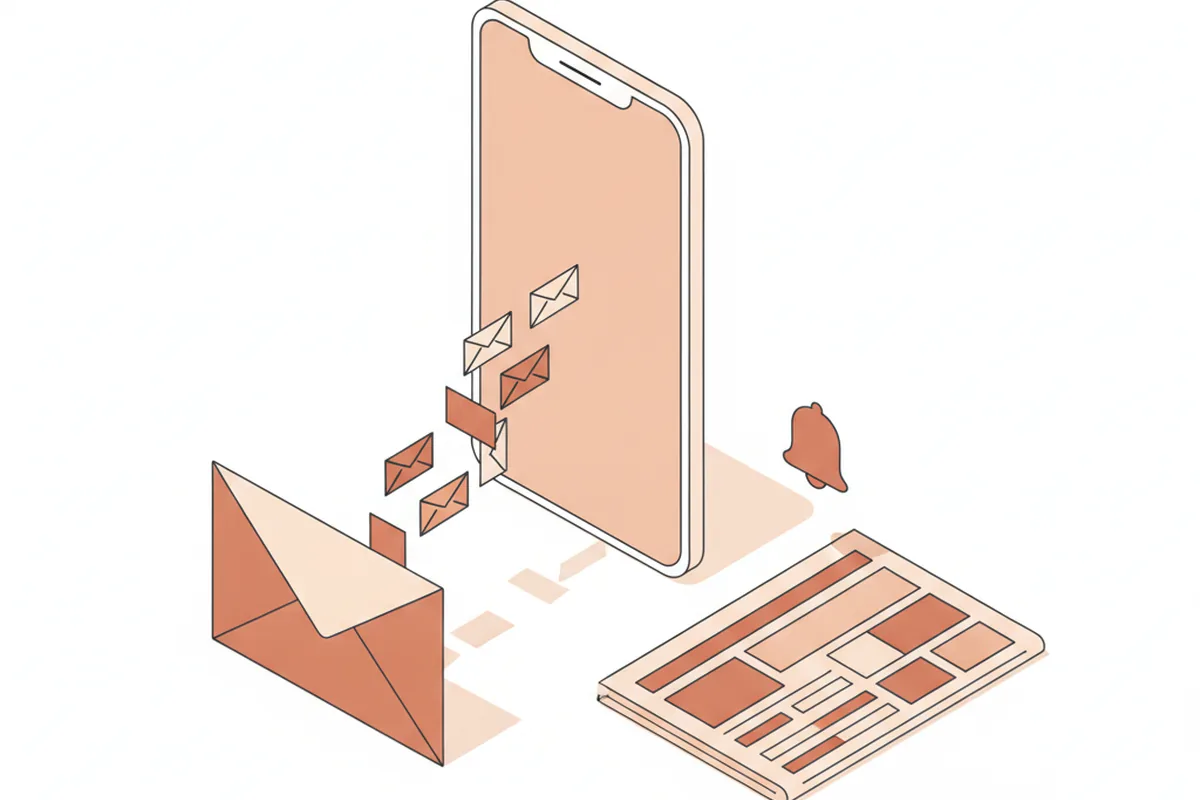
Short answer: most independent newsletters do not need their own app. Email already lands on the reader’s phone, and a fast website handles everything else. An app starts to pay for itself only when three things are true at once: readers come back daily, some of them pay, and you want to do something email does badly, such as breaking alerts, audio or offline reading.
If you clear that bar, build once rather than twice. A small publication rarely has the budget for separate iPhone and Android teams, which is why many choose cross-platform Flutter development: one codebase, both app stores, one set of bugs to fix. The framework matters less than the scope, though, and the scope is where most publisher apps go wrong.
Below is the decision as we would make it at a small publication like ours: what an app does that a newsletter cannot, what it costs to build and to keep alive, the cheaper options to try first, and one problem specific to satire that nobody warns you about.
What does an app do that email and a website cannot?
An app does four things email cannot: it sends alerts outside the inbox, works offline, plays audio in the background and keeps readers signed in. Everything else an app offers, a well-built mobile site can match.
- Push alerts outside the inbox. An email competes with receipts and promotions. A push notification shows up on the lock screen, which matters if you publish time-sensitive pieces.
- Offline reading. Commuters on the subway and readers on planes can open stories saved earlier. Websites can cache pages too, but apps do it more reliably.
- Background audio. If you record read-aloud versions or a podcast, an app can keep playing with the screen locked and remember where the listener stopped.
- A signed-in home. Subscribers log in once. No magic links, no “confirm your email” loop every time they switch devices.
Notice what is missing from that list: discovery. People rarely find a new publication in an app store. They find it through a shared link, a recommendation or a search result, then decide whether to subscribe. An app serves readers you already have.
When is an app a waste of money for a small newsletter?
An app is usually a waste when it would only repeat what the inbox already delivers. Media writer Simon Owens has argued that owned apps are largely a poor use of time for smaller publishers, who get more from growing their newsletter and homepage. He contrasts that with large brands that can staff an app properly, citing reporting that People magazine assigned nearly 70 staff to its app (Simon Owens).
The warning signs are easy to spot:
- You publish once or twice a week. A weekly send does not create a daily habit, and an icon that changes once a week gets moved to a back screen.
- Nobody has asked for it. If readers are happy with email, an app solves a problem they do not have.
- You cannot name the feature. “Being on the App Store” is not a feature. Alerts, audio or offline reading are.
- There is no one to maintain it. Apple and Google ship major operating system updates every year, and apps that are not updated eventually break or get flagged.
Signs your publication is ready for an app
You are probably ready when most of these are true:
- A meaningful share of readers open your stories on phones every day, not just on send day.
- You have paying subscribers and a login system, so an app has someone to serve.
- You publish formats email handles poorly: alerts, audio, long archives or live updates.
- Readers have asked for an app more than once, in replies or support requests.
- You have a budget line for maintenance, not only for the first release.
Three or more of those and the conversation becomes how, not whether.
What does a newsletter app cost to build and run?
The build is the cost everyone asks about, but the running costs decide whether an app survives its second year. Store fees are fixed and public. Build cost depends almost entirely on scope, so get quotes against a written feature list rather than a general idea.
| Cost line | What it covers | Typical figure |
|---|---|---|
| Apple Developer Program | Publishing on the App Store | $99 per year |
| Google Play developer account | Publishing on Google Play | $25, one time |
| Store commission | In-app subscription payments | 15% to 30% of the price |
| First build | Design, development, testing, store review | Depends on scope; quote a fixed feature list |
| Maintenance | Yearly OS updates, bug fixes, security patches | An ongoing line, not a one-off |
| Push and hosting | Notification service, content API, analytics | Small at newsletter scale, grows with readers |
How much do app stores take from subscriptions?
If a reader subscribes inside an iPhone app, Apple takes a cut, and that line surprises most publishers. Apple’s rate is 15% for developers in its Small Business Program and for subscriptions after their first year, and 30% otherwise.
Publications have a partial way out: Apple treats news and magazine apps as “reader” apps, which may let people sign in to subscriptions bought on the web. Read the current payment rules in section 3.1 of the App Store Review Guidelines before you design your pricing, because they have changed several times since 2022.
Native, cross-platform or progressive web app?
For most small publications the honest order is: progressive web app first, cross-platform app second, separate native apps last. A progressive web app (PWA) is a website that can be added to the home screen and behave much like an app. Since iOS 16.4 in 2023, iPhones have supported web push notifications for sites saved to the home screen, which removed the strongest argument for a native app.
| Option | Progressive web app | Cross-platform app | Native apps |
|---|---|---|---|
| Codebases | One (your site) | One for iOS and Android | Two |
| In app stores | No | Yes | Yes |
| Push alerts | Yes, once saved to home screen | Yes | Yes |
| Offline and background audio | Limited | Full | Full |
| Relative cost | Lowest | Medium | Highest |
| Best for | Testing demand | Small teams going all in | Large newsrooms with platform specialists |
Cross-platform frameworks such as Flutter and React Native let one team ship to both stores from the same code. Native apps, written in Swift for iPhone and Kotlin for Android, still win on the very latest platform features, but a newsletter reader rarely needs them.
Will Apple and Google accept a satire app?
Yes, generally. Apple’s guidelines reject defamatory or mean-spirited content but state that professional political satirists and humorists are generally exempt from that rule (section 1.1.1). That exemption is not a blank check. A reviewer has to recognize the work as satire, which means the app needs the same labels your website has: a clear About page, a visible “satire” line and a name that does not imitate a real news outlet.
Push alerts are the new screenshot
Here is the problem specific to satire. We have written about how screenshots strip a joke of its label. A push notification does the same thing by design: the headline arrives alone on a lock screen, without the masthead, the tone of the page or the disclaimer. A deadpan satire headline in a notification looks exactly like a real alert.
If you send alerts, keep the publication name visible in the notification title, write alert text that reads as a joke on its own, and never push satire during a real breaking-news event. The headline craft we described in why satire headlines work becomes a risk when the context disappears.
How to plan a reader app in six steps
- Write down the one job. “Alerts for subscribers” or “audio editions on the commute.” If you need three sentences, the scope is too wide.
- Test demand cheaply. Turn on web push and an install prompt on your site for a few months. Count how many readers opt in.
- Define the first version. Login, story feed, article view, alerts and offline saving are enough. Comments, games and personalization can wait.
- Choose the stack. One codebase for both stores unless you have a specific platform feature that requires native code.
- Plan payments around store rules. Decide where people subscribe (web or in-app) and what the commission does to your price.
- Budget for year two and measure. Track weekly active readers, alert opt-in and unsubscribes from alerts. If the numbers stay flat after six months, fold the app back into the site.
Newsletters themselves are only the latest format in a long line, as our short history of American political satire shows, from pamphlets to email. An app is one more container. It is worth building only when the container fits what you already publish.
Frequently asked questions
Do I need an app to have push notifications?
No. Web push works in desktop and Android browsers, and on iPhone since iOS 16.4 for sites saved to the home screen. It is the cheapest way to see whether readers want alerts at all.
Is a newsletter platform’s own app enough?
For many writers, yes. A platform app puts your posts next to everyone else’s, so you trade your own branding and control over alerts for zero build cost. Move to your own app only when that trade starts to hurt.
How long does it take to build a newsletter app?
It depends on scope more than technology. A focused first version with login, feed, articles and alerts is usually measured in months rather than weeks, and every extra feature adds to that. Add time for store review and for connecting your subscription system.
Will Apple take a cut of my subscriptions?
If readers subscribe inside the iPhone app, yes, usually 15% to 30%. Subscriptions bought on your website and used through a sign-in follow different rules for reader apps. Check the current guidelines before launch.
Can a satire publication get into the App Store?
Yes. Apple’s guidelines generally exempt professional political satirists and humorists from the rule against defamatory content. Label the app clearly as satire so reviewers and readers can tell.