Substack launches seven website themes for publications. Here is what changes
Substack added seven ready-made themes and two design editors for homepages, welcome and post pages. What publishers can change, and what stays fixed.
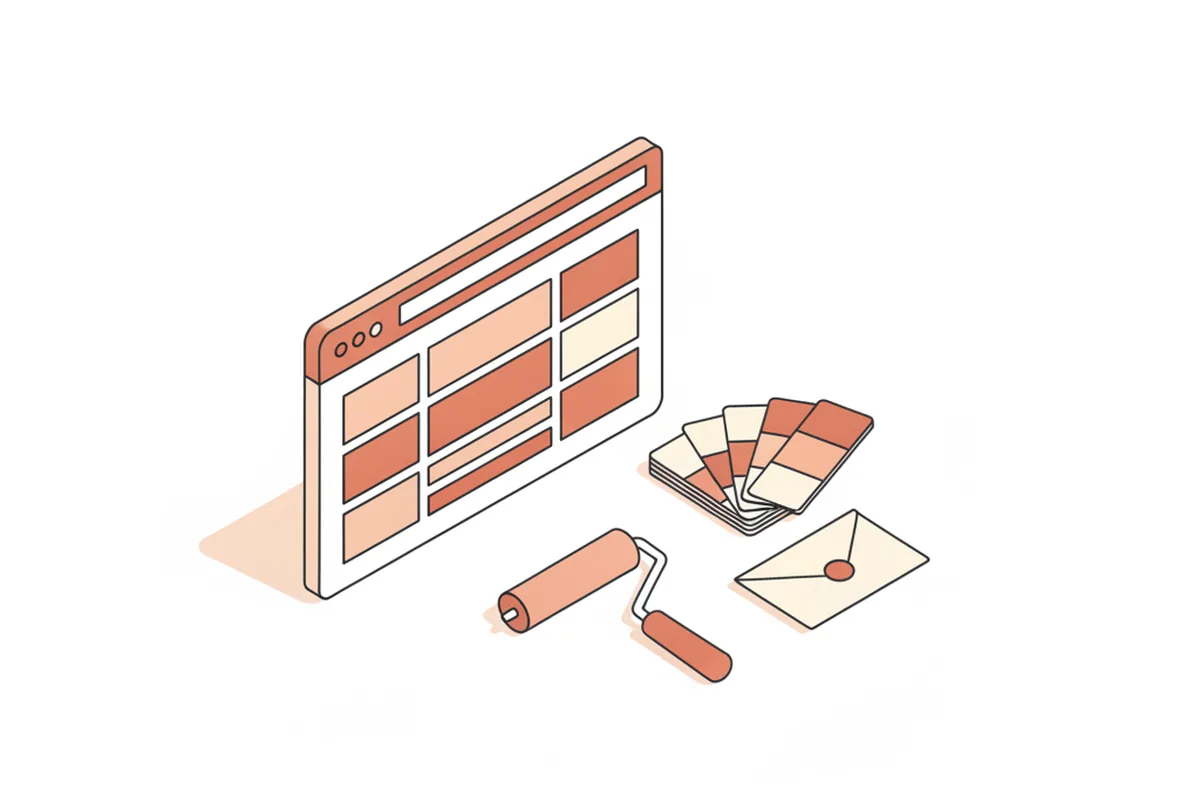
Substack has given writers their first set of ready-made website themes. The company announced the tools on its own blog on November 12: seven themes plus two editors that let a publication restyle its homepage, welcome page and post pages without touching code. Press Gazette, which covered the launch on November 16, describes it as Substack's first theme release and "the first of a series of improvements."
Until now Substack offered a few homepage layouts but no full themes, so many publications looked alike apart from the logo. That sameness was part of the deal: the platform handled hosting, payments and delivery, and writers accepted a fixed layout. The new tools loosen that layout, but they do not hand over the whole site.
Publications that need things a theme cannot offer, such as a searchable archive built around their own sections, custom paywall rules or pages that load fast on a cheap phone, still end up with a custom build. Newsletters that go that route usually work with an outside team, for example YuSMP Group's web development team, and keep the email list portable so the move does not cost subscribers.
What did Substack launch?
The release has two parts: a set of themes and two editors for adjusting them.
- Seven themes. Ready-made designs for the publication site. Substack's post showcases the Cinematic theme, which several writers picked for its newspaper-like look.
- Mini-Editor. A quick panel opened from the bottom-right corner of the publication homepage for switching layouts, color palettes and fonts. A dice icon randomizes any option.
- Full Editor. Covers the Home, Welcome and Post pages, with previews for desktop, tablet and mobile before anything goes live.
According to Substack, changes stay unpublished until the writer saves them, and Press Gazette reports that the editing tools work on desktop only for now.
What can publishers customize?
Inside the Full Editor, a publication can change these parts of its site:
- the header, hero section, main body and footer;
- color palettes, either a suggested set or custom colors from a picker;
- separate typefaces for the wordmark, post titles, section titles and body text;
- an uploaded logo or wordmark, which can be resized;
- header images and an optional custom cursor.
Substack's examples show how quickly this can go. The story site Narratively says it redesigned its pages in less than ten minutes with the Cinematic theme. Kyle Raymond Fitzpatrick of The Trend Report gave the most practical advice in the announcement: check legibility when you choose colors, "because it's all about the writing."
Farrah Storr, Substack's head of International, told Press Gazette: "We want the art of creating a publication to be part of the magic of being on Substack in the first place."
What stays the same after the redesign?
The themes change the website, not the whole reading experience. Substack says the new designs do not change the layout inside the Substack app, where many subscribers read. The announcement also says nothing about custom CSS, scripts or direct code access, so the site is still built from Substack's own blocks.
That matters for anyone weighing a platform. As we laid out in our guide to choosing a paid newsletter platform, the real costs are the fees, the exit rules and how much of the reader relationship you control. A better-looking homepage improves the first impression. It does not change who owns the app, the recommendation network or the payment flow.
What should newsletter writers do now?
- Try the Full Editor's mobile preview first. Most readers arrive from a phone, so a theme that looks good on a wide monitor can still crowd a small screen.
- Write down what a theme cannot do. If the list includes your own archive structure, membership tiers or an app, that is the point to price a separate site or app, as we covered in does an independent newsletter need its own app.
- Export your list regularly whatever you decide, so a future move stays an option rather than a project.
Sources for this report
- On Substack: Your Substack, now with more ways to customize (Nov. 12, 2026)
- Press Gazette: Substack allows publishers to use customised themes (Nov. 16, 2026)